iPhone picture keeper
Saves my contacts, pictures and some files. Great
Save option
| Storage Capacity |
Rated 4 out of 5
|
|---|---|
| Value for the Money |
Rated 4 out of 5
|
| Easy to Use |
Rated 4 out of 5
|
| Easy to Install |
Rated 4 out of 5
|
On sale for a limited time, while supplies last.
Stocking Stuffer 2-Packs Under $50! Make holiday gifting effortless with this special 2-pack of the New Picture Keeper Connect 32GB. Choose from five exciting colors, each packaged in festive organza gift bags, ready to drop right into their stockings!
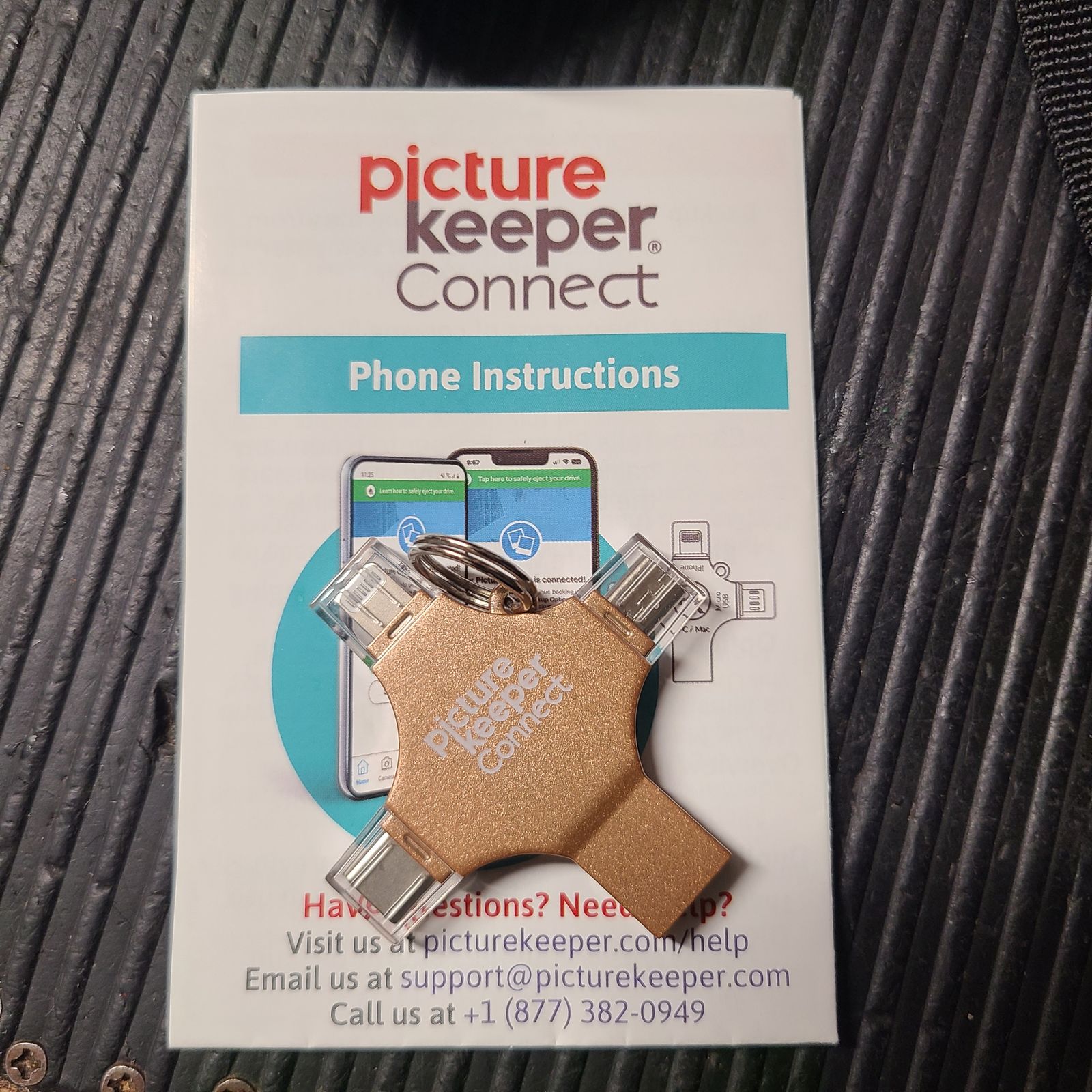
Each drive will easily backup and protect up to 8,000* photos or 560* videos from iPhone, Android, tablets, PC, or Mac.
A practical, ready-to-gift set that brings peace of mind and joy, all under $50.
Simple. Useful. Holiday-ready.
Extremely limited quantities available and will sell out fast.
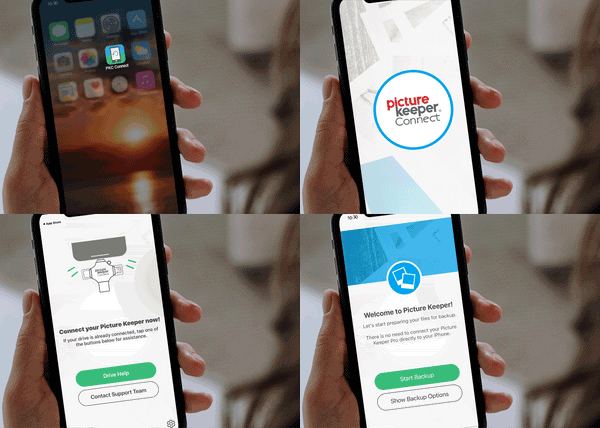
For Mobile & Tablet Users: Download the Picture Keeper app from the App Store or Google Play store. Then connect your Picture Keeper to your device.
For Computer Users: Simply connect your Picture Keeper to a USB port—no additional downloads required!
For Mobile & Tablet Users: Launch the Picture Keeper app you just downloaded.
For Computer Users: Open the drive that appears on your computer and double-click the Picture Keeper application to get started.
No matter which device you’re using, just click Start Backup and let Picture Keeper do the rest! The process is quick, effortless, and securely saves your photos without any hassle. In just moments, your cherished memories are safely backed up and ready whenever you need them.