Picture Keeper
Works great and very easy to use and save photos. Thanks for a great product. D.T
Take advantage of HUGE savings on this extremely limited stock!
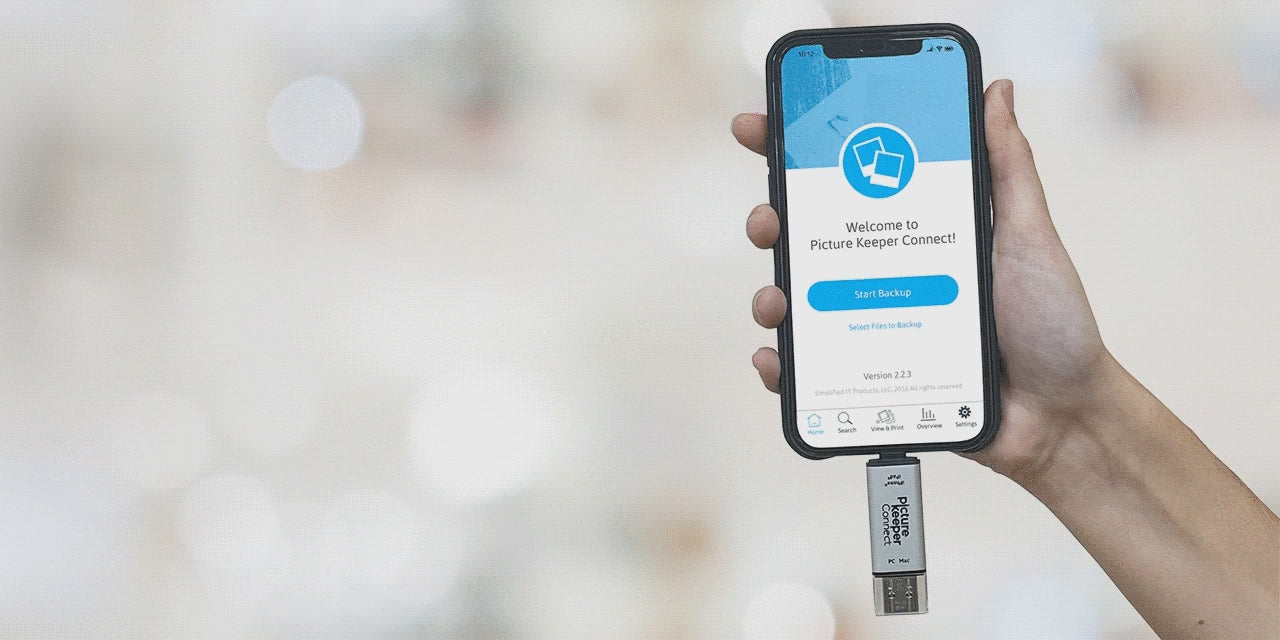
The Picture Keeper Connect Classic Style 32GB has made it effortless for millions to backup photos, videos, and contacts with no tech headaches, just peace of mind.
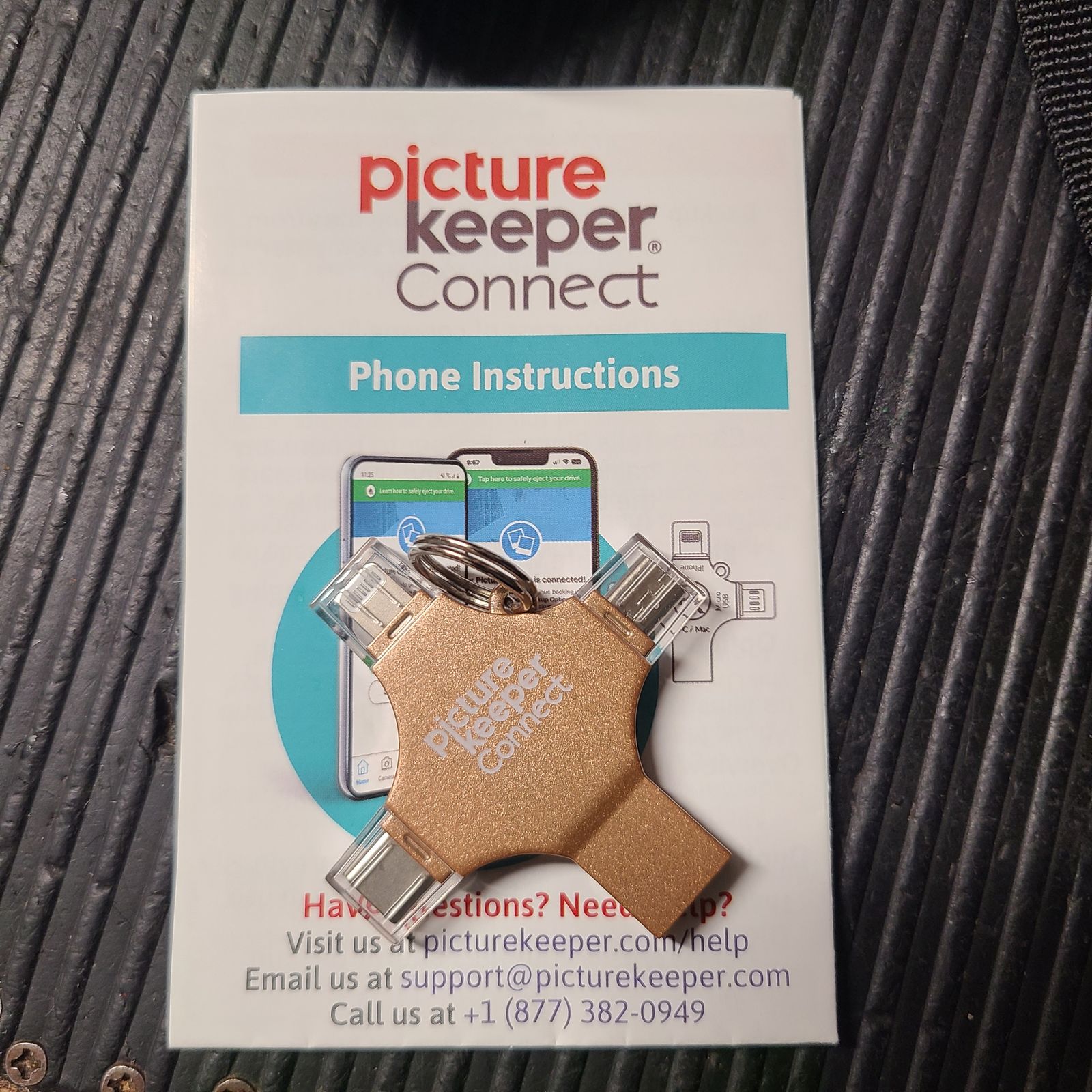
With three easy steps using the PK Connect App, you can safely store all your precious memories. It skips duplicates, picks up where you left off, and works seamlessly across iPhone, Android, Windows, and Mac. Apple MFI-Certified and equipped with a Type-C connector, it’s ready to protect your memories anytime, anywhere.
32GB: Up to 8,000* photos
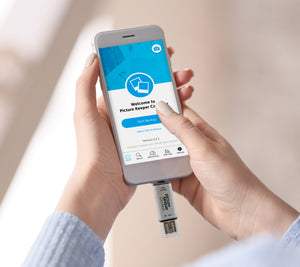
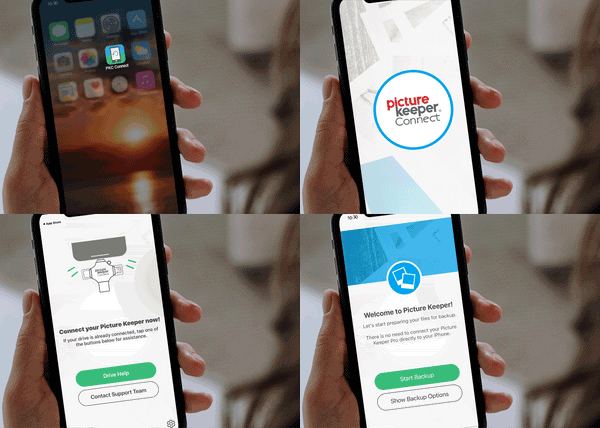
For Mobile & Tablet Users: Download the Picture Keeper app from the App Store or Google Play store. Then connect your Picture Keeper to your device.
For Computer Users: Simply connect your Picture Keeper to a USB port—no additional downloads required!
For Mobile & Tablet Users: Launch the Picture Keeper app you just downloaded.
For Computer Users: Open the drive that appears on your computer and double-click the Picture Keeper application to get started.
No matter which device you’re using, just click Start Backup and let Picture Keeper do the rest! The process is quick, effortless, and securely saves your photos without any hassle. In just moments, your cherished memories are safely backed up and ready whenever you need them.