Picture Keeper Connect Spinner 16GB - White
The simple, easy way to back up photos, videos, and contacts from your phone, tablet, or computer.
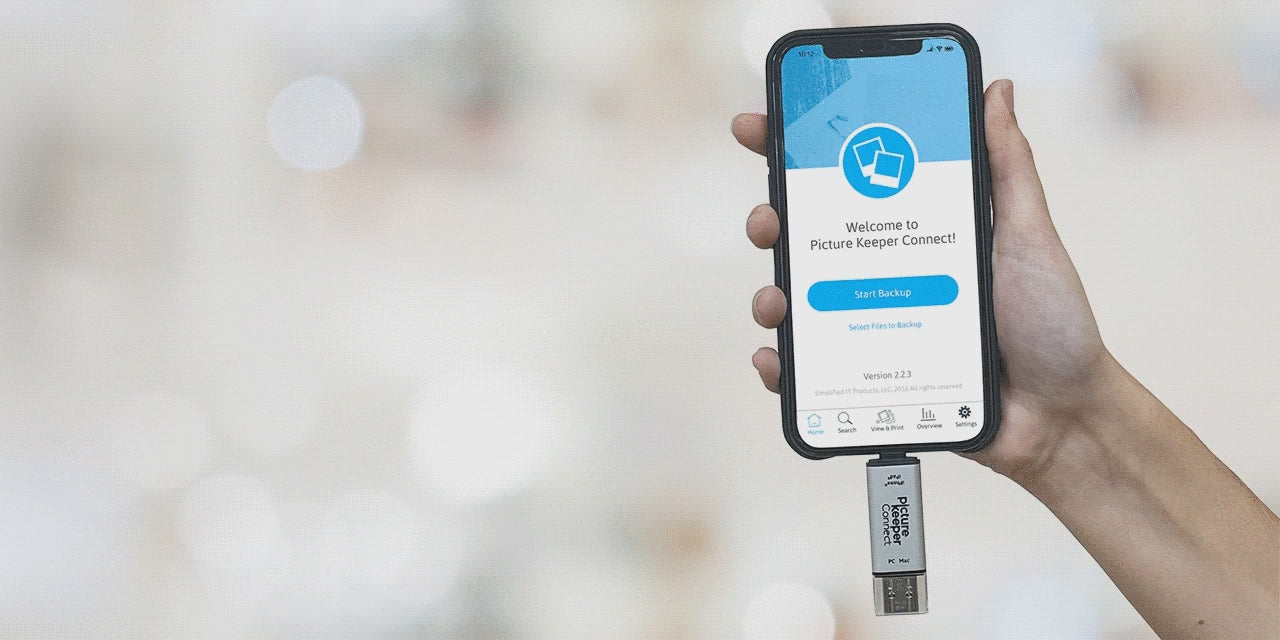
Protecting your memories shouldn’t be complicated. Picture Keeper Connect lets you quickly back up important photos and files from your iPhone, Android, PC, or Mac—no tech skills required.
It’s as easy as 1-2-3:
- Open the free PK Connect app
- Plug in your Picture Keeper
- Tap Start Backup
Your memories are safely stored in one place in minutes.
Features
- No internet required
- Automatically skips duplicate photos to save space
- Continues backups right where the last one left off
- Easily share photos with friends and family
- Create prints and personalized photo gifts directly from the PK Connect app
Capacity
- 16GB – Holds up to 4,000* photos
Compatibility
- Mobile: iPhone 5 and newer (iOS 10+) and Android OTG devices (Android 5+)
- Computer: Windows and Mac computers
Additional Details
- Apple MFi-Certified
- Includes USB-C connector for Android devices and Mac computers
- Free PK Connect App available on the App Store and Google Play
See the Picture Keeper Connect Work Its Magic: Backup Made Easy
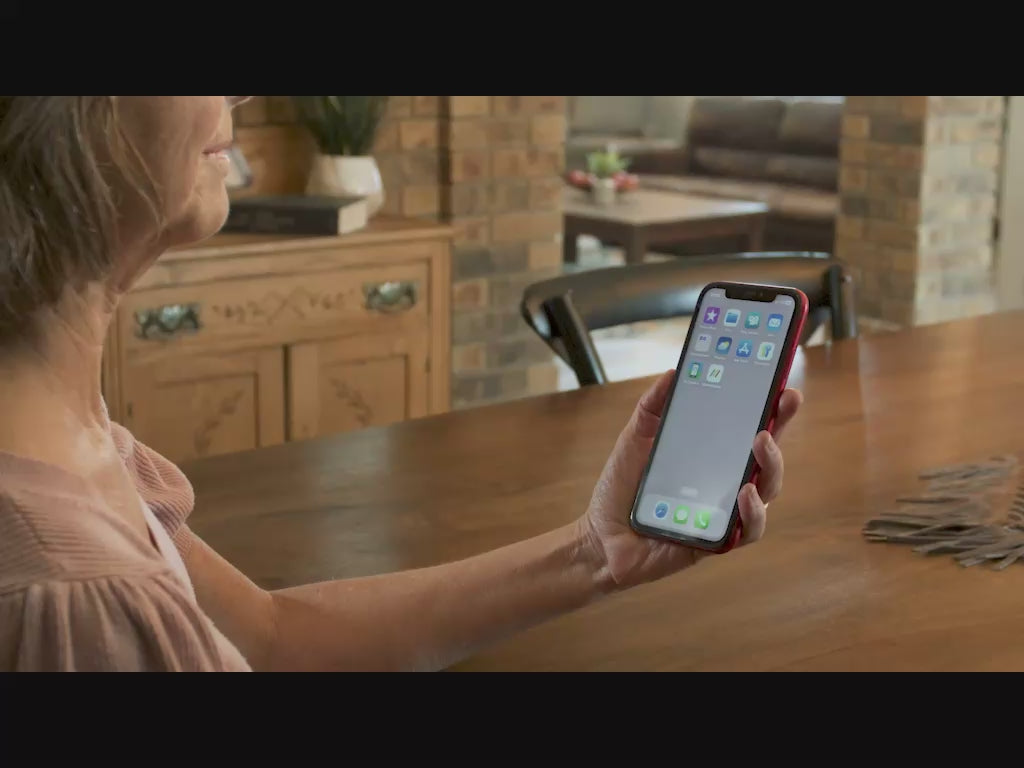
Backup Your Photos in 3 Easy Steps!
Step 1
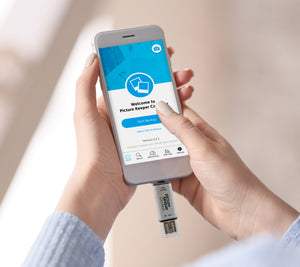
For Mobile & Tablet Users: Download the Picture Keeper app from the App Store or Google Play store. Then connect your Picture Keeper to your device.
For Computer Users: Simply connect your Picture Keeper to a USB port—no additional downloads required!
Step 2
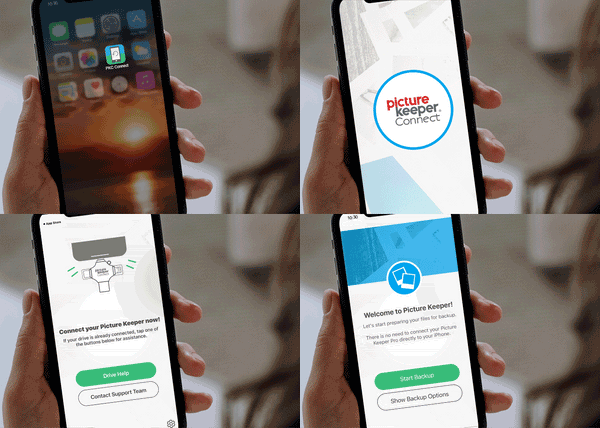
For Mobile & Tablet Users: Launch the Picture Keeper app you just downloaded.
For Computer Users: Open the drive that appears on your computer and double-click the Picture Keeper application to get started.

Step 3
No matter which device you’re using, just click Start Backup and let Picture Keeper do the rest! The process is quick, effortless, and securely saves your photos without any hassle. In just moments, your cherished memories are safely backed up and ready whenever you need them.